



On a Windows computer, unnecessary files take up disk space. One effective way to conserve storage is to compress files. Techniques like NTFS file compression and ZIP archive creation can be used to compress files. In addition, periodically emptying the trash can will enhance the amount of storage space.
Numerous items, ranging from important data files to outdated projects, are silently taking up several gigabytes of storage space on your Windows computer. You can compress the files to save storage space without erasing any of them.

How to compress a file
Compressing files with Windows’ built-in utilities can be done in two simple methods.
NTFS File Compression: This eliminates the need to manually uncompress files, making them easier to open and utilize directly within File Explorer.
How to perform compressions
Step 1: Perform a right-click on the folder. Then select the Advanced button after selecting the ‘General’ tab.
Step 2. ‘Compress contents to save disk space’ and ‘Encrypt contents to secure data’ are the two options available here. Click ‘OK’ after selecting the first option. The file will be compressed as a result.
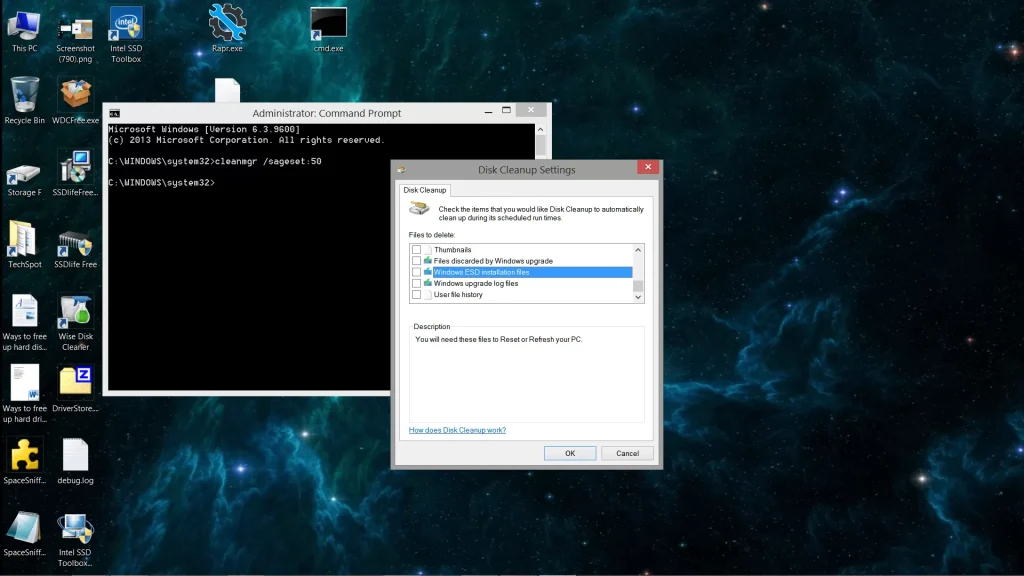
Make a zip file.
Zipping a file is a better option if you want to share it with someone or keep it secure for a long time.
Empty the garbage can.
The trash can contains all of the files that we remove from the computer. Our garbage can frequently contains files that are several gigabytes in size. You should continue to periodically empty your garbage can in such a circumstance. This also aids in releasing storage space on the computer.
Read More: India Cuts EV Import Tax to 15% to Attract Global Carmakers

| Join Our Group For All Information And Update, Also Follow me For Latest Information | |
| Facebook Page | Click Here |
| Click Here | |
| Click Here | |