


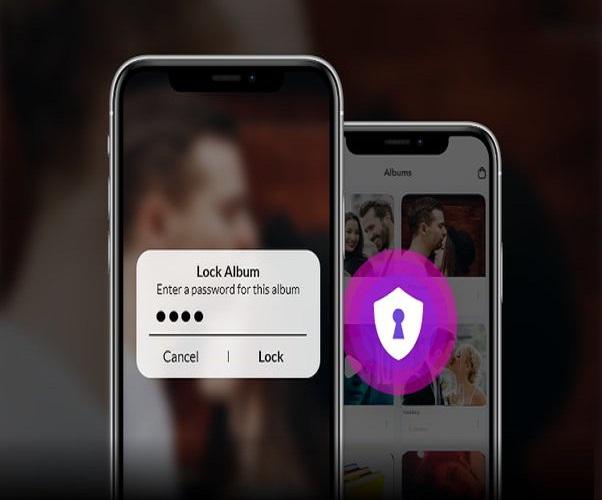
Along with the necessities, we all have some private and personal information on our smartphones. Some things you may not want to share with everyone, so how do you keep such private photographs or documents hidden in your phone? Let’s discuss this today……
Advice for iPhone Users
If you have an iPhone, open the Photos app and select any photo or video you want to hide or hide, then tap the share icon. When you click on the share icon, you will be given the option to hide your photos and videos. Selecting this option will make your photos and videos disappear.
If you want to see the hidden image, go to this hidden album. If you want to unhide any video or photo, go to this hidden album and select that specific photo or video, and then click on the share icon. You will be given the option to unhide your photos or videos, allowing you to restore them.
Read More: Flipkart Sale: Bring Samsung’s 24 thousand 5G Smartphone home for 3 thousand rupees
Advice for Android Users
If you are an Android user and use Google Photos as your primary photo gallery, Google Photos includes an archive feature that allows you to easily hide all of your photos and videos. Go to your Google Photos app and select all of the photos and videos you want to hide, then click on the three-dot menu on the right side to access the archive option.
When you archive, all of your videos and photos are hidden, and if you want to see them again, go to the archive album, select all photos and videos, and then click on the three dots above. You get the Unarchive feature, which restores all of your video photos to the main gallery.